
Choose a chatbot plugin when an existing tool can complete your required workflow with acceptable control, cost, and maintenance. Consider a custom build when essential behavior, integrations, access rules, or ownership requirements cannot be met cleanly by that tool. A hybrid approach can also make sense: use an established chat interface with a small custom integration.
The decision should follow a written requirement. “Custom is better” and “plugins are always cheaper” are both too broad to guide a real project.
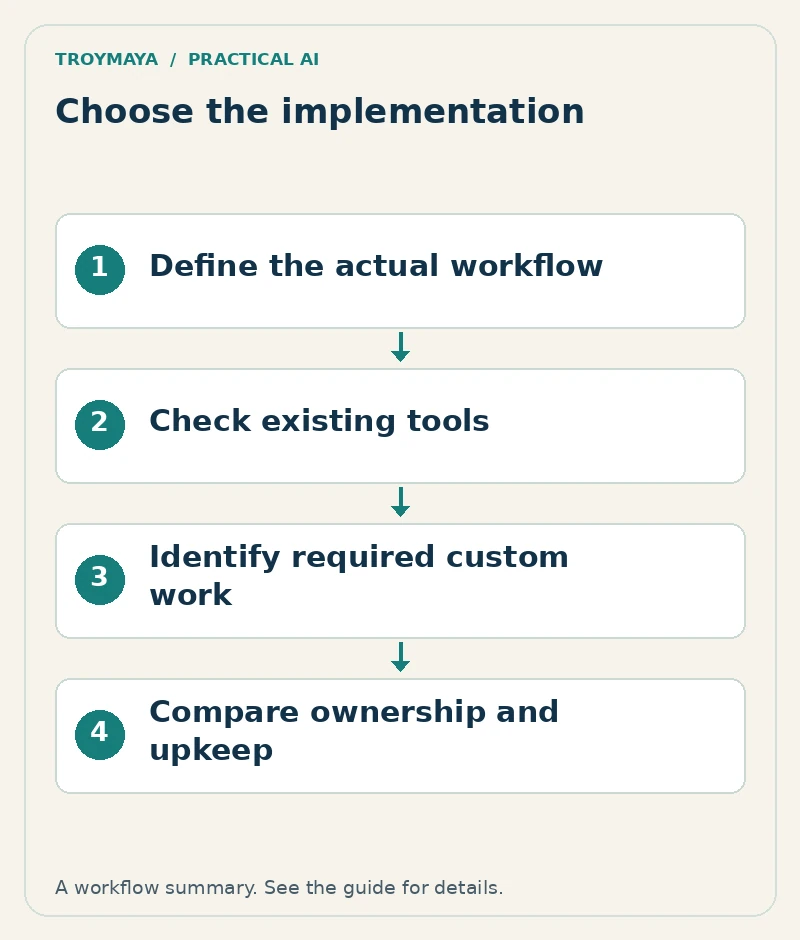
1. Define one workflow to compare
For a fictional service company, the workflow might be: answer approved service questions, collect a quote request, send it to the coordinator, and acknowledge receipt accurately. Both options should be evaluated against that same sequence.
List the sources, required fields, actions, exception rules, and handoff route. Add the acceptance cases that would make the project usable. If a tool cannot perform a required action, distinguish an acceptable alternative from a missing capability.
2. Test an existing tool against the requirements
Use a trial or controlled demo where available. Import a small approved source set and run the actual acceptance questions. Check website compatibility, mobile behavior, data export, source updates, and integration failure messages.
Read the current plan limits and documentation. A screenshot showing a calendar button does not establish live booking support. A feature labeled “knowledge base” does not establish document-level access control. Verify the behavior that matters to your workflow.
3. Compare the practical tradeoffs
| Requirement | Existing tool questions | Custom build questions |
|---|---|---|
| Launch and updates | Can staff configure and maintain it? | Who deploys and maintains the code? |
| Integrations | Does the supported connector perform the needed action? | Is there a documented API and a maintainable integration? |
| Access boundaries | Does the tool enforce the required permissions? | How are identity and permissions implemented and tested? |
| Ownership | Can you export sources and relevant records? | Who owns accounts, code, deployment, and documentation? |
| Ongoing cost | What are subscription and usage limits? | What are hosting, provider usage, support, and change costs? |
Neither column automatically wins. The important question is whether the implementation can be operated reliably by your organization after the first developer handover.
4. Identify the smallest custom component
Suppose the chosen tool already handles FAQs and the website widget, but it cannot route a particular inquiry type to the correct internal system. A small server-side integration may solve that gap without replacing the whole chatbot.
Conversely, if the central requirement depends on complex permissions or a tightly controlled business process, forcing it into a tool designed only for public FAQs may create more maintenance than a focused custom application. Document why each custom component exists.
5. Include failure recovery and exit options
Ask what happens if the chatbot vendor, model provider, or connected system is unavailable. Visitors should have a useful alternative contact route. Staff should know how to pause a failing action and update incorrect source content.
Before committing, identify what can be exported, who owns the domain and accounts, and how another developer would take over. For custom work, request deployment notes and the supported update process. For a plugin, record which plan and settings the workflow depends on.
6. Decide using evidence from the comparison
Write a short decision: “We chose this option because it passes these required cases, fits these ownership constraints, and has these known limitations.” Keep optional features separate. A large feature list is less useful than a small workflow that produces a complete inquiry and handles errors honestly.
If both options remain uncertain, scope a short technical assessment or prototype before a larger build. Its deliverable should be a tested answer to the unresolved requirement, not another general feature presentation.
Want help choosing or building the right setup?
Discuss your chatbot requirements with TroyMaya. Include the tools you already use and the workflow they cannot complete. Review AI development services for configuration, integration, and custom project options.
Prepared with AI assistance. Examples are illustrative unless stated otherwise.