
A useful FAQ document for an AI chatbot contains more than a list of questions. Each answer needs a clear scope, an authoritative source, an owner and a route to a person when the request falls outside the policy. Start with a small set of common questions and make those reliable before adding the entire website.
You can prepare the first version in a document or spreadsheet your team already uses. The important part is the structure and approval process, not buying another tool.
1. Start with questions people actually ask
Ask the people who answer your phone, inbox or front desk for recurring questions. Remove personal details from examples. Group different phrasings that need the same answer: “Are you open Saturday?” and “What are your weekend hours?” may belong in one record.
Do not create an enormous list of nearly identical questions. Preserve meaningful differences instead: holiday hours, appointment-only visits and different locations may require separate rules.
2. Use a record that preserves context
Topic:
Question:
Alternative wording:
Approved answer:
Applies to:
Exceptions:
Source URL or document:
Effective date:
Review owner:
Last reviewed:
When to contact a person:
Fields can be columns or labeled sections. Keep related information together so an extracted passage still makes sense. “Yes, within 30 days” is a poor standalone answer because it leaves the product, condition and starting date unclear.
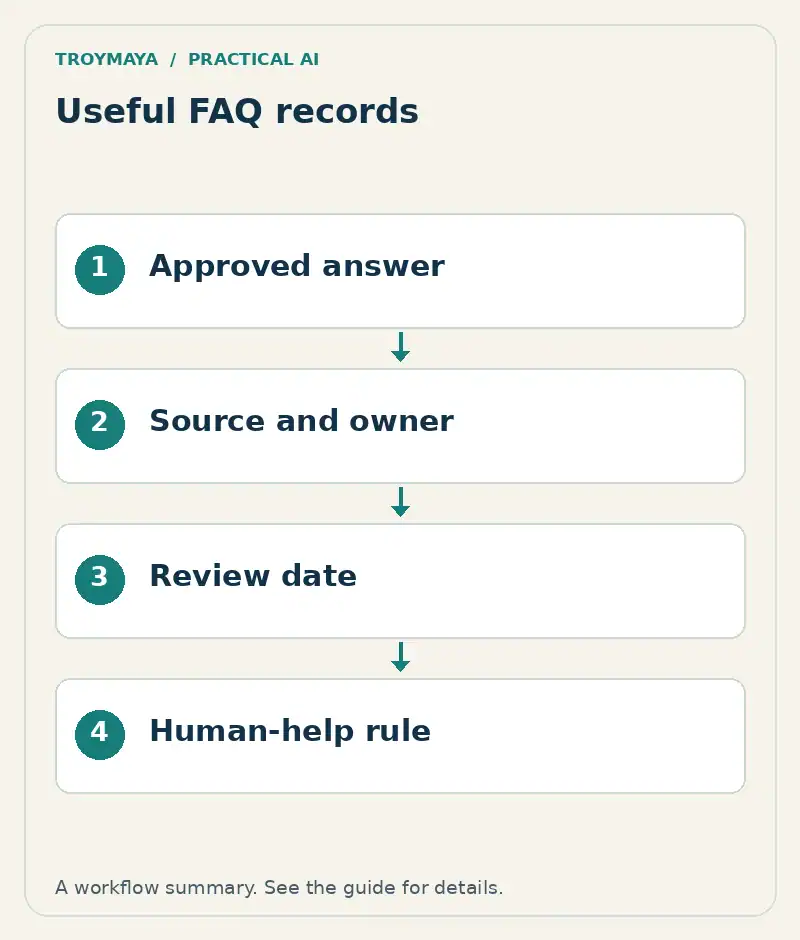
3. Complete one worked example
Here is an illustrative record for a fictional workshop provider. It is not an actual policy:
| Field | Example |
|---|---|
| Question | Can I change my workshop date? |
| Approved answer | One date change is available up to seven calendar days before the workshop, subject to a place being available. |
| Applies to | Standard public workshops booked directly |
| Exceptions | Private group sessions require staff review. |
| Source | Published booking policy maintained by the operations manager |
| Human route | Contact the bookings team for exceptions or account changes. |
The chatbot may explain the policy, but this record does not authorize it to change a booking. Describe informational answers and actions separately.
4. Resolve contradictions before upload
Compare your website, downloadable PDFs and internal notes. If the website says seven days and a PDF says fourteen, identify which version is authoritative. Record the decision and retire or clearly separate obsolete material.
A prompt telling the chatbot to “be accurate” will not resolve an unresolved business policy. Assign the question to the policy owner. If staff cannot confirm the answer, give the bot a contact route instead of a confident statement.
5. Write answers that survive extraction
Use descriptive headings and short, complete paragraphs. Include important units, dates and exceptions in the same section as the rule. For tables, use explicit column labels and avoid merged cells that make the relationship between values ambiguous.
Keep promotional language separate from operational facts. “Fast delivery” does not tell a customer whether an item dispatches tomorrow. “Most items dispatch within two business days; custom items require confirmation” is more useful if that is the approved policy.
6. Test the FAQ as a source
Upload a small sample using the formats your platform supports. Ask each question directly, paraphrase it, and ask an adjacent question the document does not answer. Check which source is retrieved where that information is visible.
For the workshop example, test a standard date change, a private group request, a request inside the seven-day window and a request to actually change the booking. The desired outcomes differ. Record mistakes in the FAQ or application instead of adding more words indiscriminately.
7. Give the document a maintenance owner
Choose who reviews each topic and what triggers an update. Price changes, new locations and policy revisions should trigger checks immediately; a calendar review can catch less obvious drift. Keep a dated original so the team can explain what changed.
There is no universal ideal FAQ length. A small accurate collection with a clear escalation path can be more useful than hundreds of unreviewed answers.
Want help turning your FAQ into a chatbot?
TroyMaya can help scope a document-based assistant around your approved information. Review AI services or send a short description of your audience and source material. You can begin with public information; keep private records out of the initial inquiry.
Implementation reference
Voiceflow’s data-source documentation is one example of supported document and table inputs. Check the current formats and limits for the platform you choose before preparing a large import.
Prepared with AI assistance. Examples are illustrative unless stated otherwise.