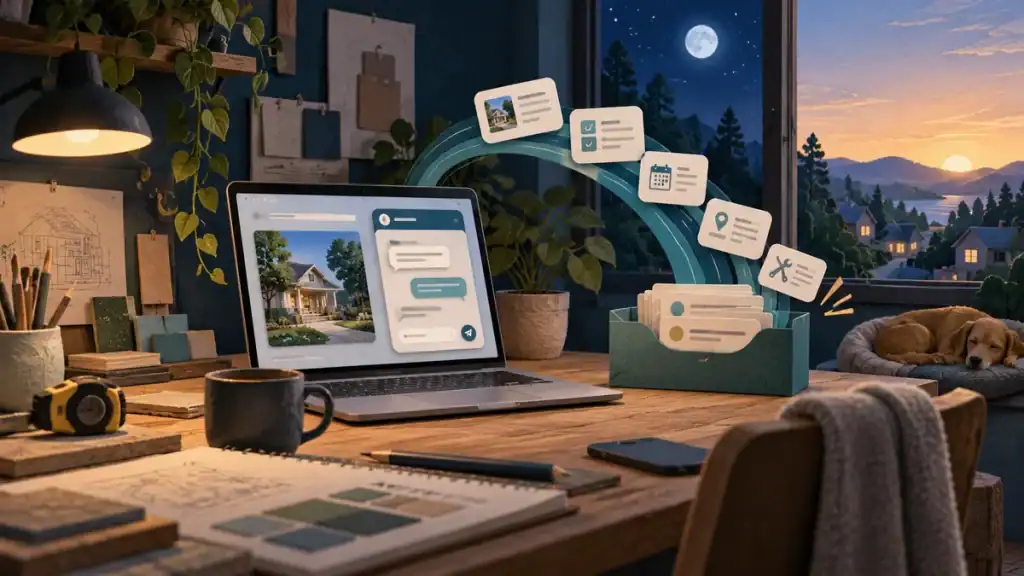
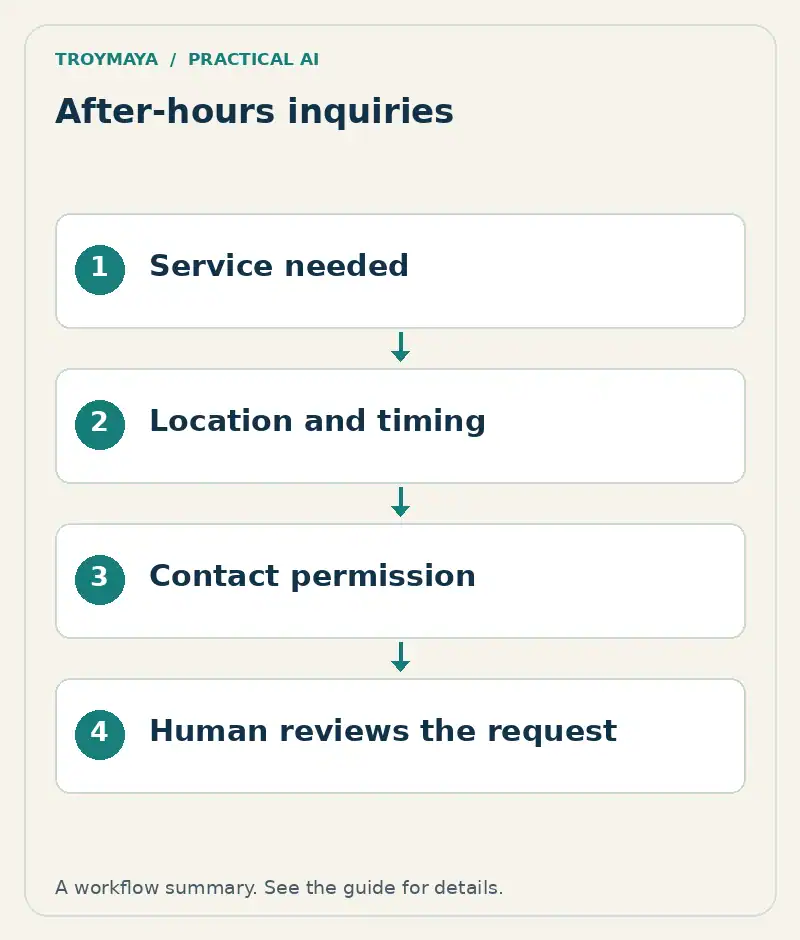
To collect quote requests after hours, give your website chatbot a short intake workflow: identify the service, ask only the details needed for review, collect a contact method with permission, and send a usable summary to the person who will respond. Tell the visitor what happens next.
The first version does not need to calculate prices or book jobs automatically. A small business can begin with an existing inquiry form or inbox and add deeper integrations when there is a clear reason.
1. Define what counts as a useful inquiry
Imagine a fictional outdoor-cleaning business that needs to know the job type, town, approximate size and preferred timing before estimating. It does not need a customer’s entire address or a long personal explanation at the first step.
Ask the person who normally prepares quotes which missing details cause the most follow-up. Turn those into a short list. Separate required fields from information the visitor can skip.
Required: service requested, service area, contact method
Useful if known: approximate size, preferred timing
Optional: brief description
Human decision: final scope, price and confirmed availability
2. Write the conversation before connecting software
Start with a helpful opening: “I can answer a few questions and help you request an estimate. What would you like cleaned?” Give common options, while allowing a short free-text answer.
Ask one question at a time. If someone has already provided the town and job type, do not request them again. When an answer is unclear, ask a focused follow-up instead of guessing. Offer a normal contact-form link so the chat is not the only way to inquire.
3. Set a clear boundary around estimates
Distinguish three outcomes: a question answered, a quote request submitted, and a job booked. They are different events. Avoid “You’re all set for Tuesday” when the system has only recorded a preferred date.
A useful confirmation for the fictional business is: “Your request is ready for the team to review. They will contact you using the details you supplied. Your preferred date is not yet confirmed.” Only promise a response window the business can actually meet.
4. Connect the intake to an owned destination
There are two sensible starting paths. A simple bot can link to a form that already delivers inquiries correctly. A more integrated bot can submit structured fields to an approved form, CRM or inbox through its supported integration.
Before enabling the second path, identify who owns the destination, which credentials the integration needs, how failure is reported, and where the lead is recorded. Keep secret credentials on the server or in the platform’s protected connection settings, never in website code exposed to visitors.
| Lead field | Illustrative value |
|---|---|
| Service | Patio cleaning |
| Area | North service district |
| Size | Approximately 250 square feet; customer estimate |
| Timing | Next month; flexible |
| Next action | Staff checks scope and sends an estimate |
5. Ask for contact details with a reason
Explain why you need an email address or phone number: “Where should the team send your estimate?” Make the intended follow-up clear. Do not silently treat a quote request as consent to unrelated marketing. Collect only what the workflow uses, and follow your organization’s privacy and retention requirements.
Let visitors review or correct their details before submission. A wrong email address can turn a good lead into an apparent non-response.
6. Test the full path
Use fictional test leads. Submit a normal request, an incomplete request, an unsupported service, a location outside the area and an integration failure. Confirm that the correct person receives a readable summary and can find the original request if needed.
Also test a duplicate click. A visitor should not create several identical leads because a slow connection made them press Submit twice. Use the platform’s supported duplicate-handling mechanism, and avoid claiming submission succeeded until the destination confirms it.
Who answers tomorrow morning?
Assign a named role and a review routine. Automation cannot compensate for an unattended inbox. Check unanswered requests, clarify incomplete scopes, and record which inquiries become worthwhile jobs. That is a better measure of usefulness than the number of conversations alone.
Want this adapted to your business?
Tell Troy what you sell, the questions needed for a quote, and where inquiries should arrive. Explore configurable AI assistants, then discuss an after-hours quote-request chatbot. A first scope can focus on reliable intake before adding pricing or calendar actions.
Implementation reference
For an example of a documented lead-delivery feature, see Wonderchat’s lead email notification documentation. Features and account requirements vary by platform; the workflow above is a design example, not a report of a deployed client system.
Prepared with AI assistance. Examples are illustrative unless stated otherwise.