
To set up a bilingual website chatbot, prepare approved answers in both languages, configure the interface and answer language separately, and test the complete customer workflow in each language. Do not assume that a translated greeting means the whole chatbot experience is bilingual.
Start with the languages your team can maintain and support. Decide how a visitor requests a human when nobody on the team can continue in their preferred language. Make that limitation clear rather than implying language support that does not exist.
1. Choose an authoritative policy and a translation owner
Give each FAQ a stable identifier and one approved meaning. Maintain linked versions in the supported languages, with a reviewer and review date. When the underlying policy changes, update both versions before marking the entry current.
A fictional English FAQ might say: “This form requests a quote. It does not confirm an appointment.” A corresponding Spanish version is: “Este formulario sirve para solicitar un presupuesto. No confirma una cita.” The two versions should preserve the same distinction between an inquiry and a booking.
2. Keep a bilingual FAQ record
FAQ ID: QUOTE-01
Approved meaning: Quote request, not appointment confirmation
English answer:
Spanish answer:
Source policy and version:
Terms that must remain consistent:
Human-review conditions:
Reviewer for each language:
Review date:
Next update trigger:
Have a fluent reviewer check important terminology, conditions, and tone. Literal translation can produce an answer that is grammatically plausible but operationally wrong. Product names, currencies, units, dates, and deadlines need particular attention.
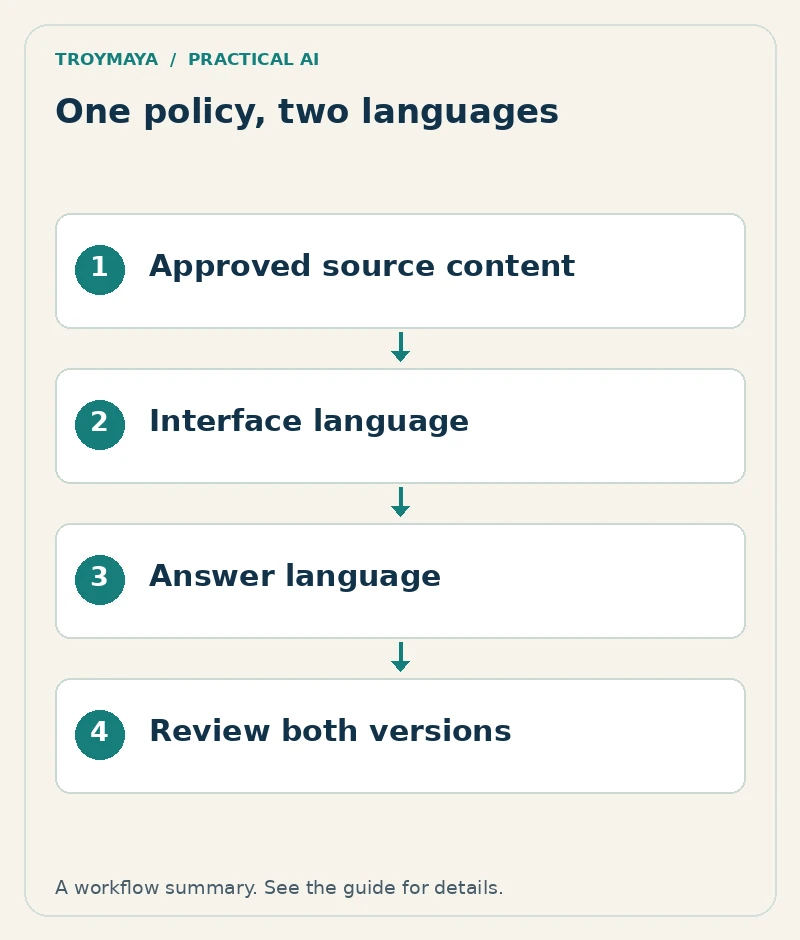
3. Configure the interface and the conversation
The widget’s buttons, placeholder text, error messages, and lead form can have a different language configuration from the model’s answers. Chat Thing’s language documentation illustrates this distinction for its website channel. Check the equivalent settings and capabilities in the platform you actually use.
Offer a visible language choice when appropriate and let visitors correct a mistaken detection. Decide whether the bot should follow the visitor’s current language or maintain their explicit choice. Test mixed-language messages rather than assuming that detection will always be reliable.
4. Preserve business rules during translation
Instruct the assistant to use the approved information and preserve limits, exceptions, and uncertainty. An answer must not become more generous or more restrictive when translated. If the source does not establish a price or delivery date, the translated answer should not invent one.
Use named time zones for appointments and unambiguous date wording. A date such as “11/10” can be read differently across audiences. Where the workflow depends on a precise date, display the month in words or use another clearly explained format.
5. Test matched questions in both languages
| Test | What should match |
|---|---|
| Basic service question | The same approved service scope. |
| Price with an exception | Amount, currency, and condition. |
| Missing information | Equivalent acknowledgment of uncertainty. |
| Quote request | Same required fields and accurate status. |
| Human handoff | Correct route and honest language availability. |
Record the actual answers side by side and have the reviewer assess meaning. Test the phone layout, validation messages, submission confirmation, and notification sent to staff. A translated chat that leads to an unexplained error in another language is an incomplete experience.
6. Maintain both versions together
Track the source FAQ identifier through every translation. Review unanswered questions by language so a weak translation does not disappear inside a combined average. When adding another language, treat it as another maintained customer workflow, not just another greeting.
Need help with a bilingual chatbot?
Discuss a bilingual website assistant with TroyMaya. Include the languages, existing FAQ sources, chatbot platform, and who can review the translated content. Review AI development services for configuration and custom workflow options.
Prepared with AI assistance. Examples are illustrative unless stated otherwise.