
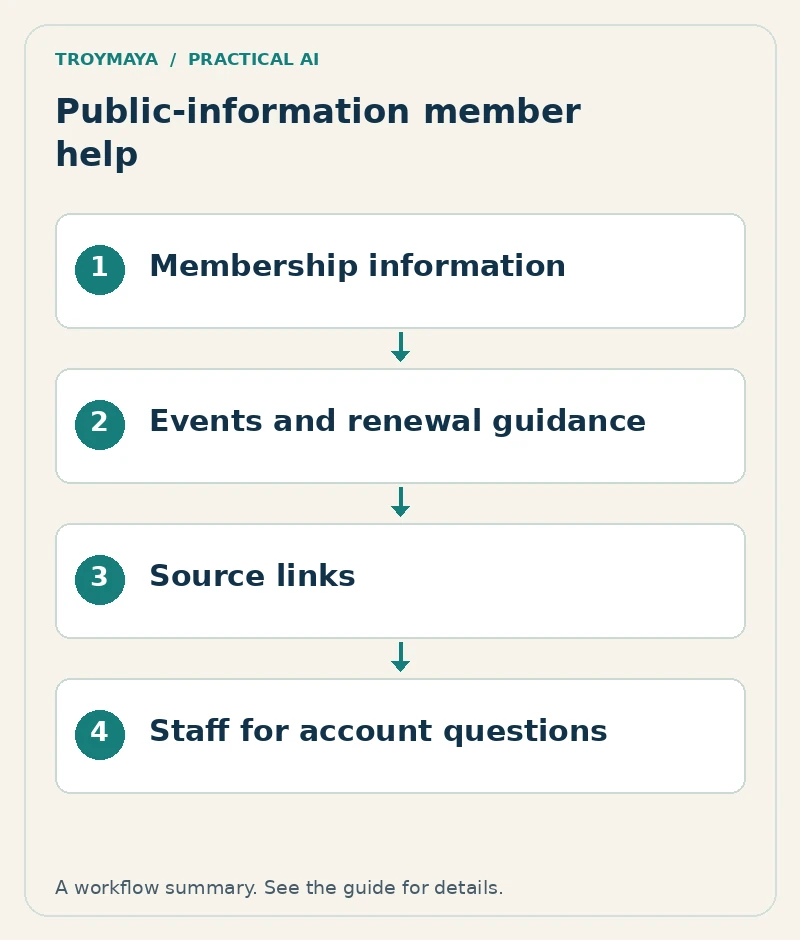
An association FAQ chatbot can help visitors find membership information, event details, and public resources without connecting to member accounts. Start with approved public content and send account-specific questions to the existing staff or member-portal workflow. This keeps the first project focused and makes its limits easier to explain.
The assistant can answer “Where do I renew?” from an approved page. Without an authenticated account integration, it cannot establish whether a particular person’s renewal was processed. Design those as separate tasks.
1. Select the questions that staff repeatedly answer
Gather routine questions from public-facing staff and existing FAQs. Good first topics include membership categories, application steps, event registration links, published deadlines, and where to find resources. Exclude individual payment status, private member records, disciplinary matters, and unpublished internal discussions.
For a fictional regional design association, the initial goal might be helping prospective members find the correct application category and event page. That is a manageable public-information workflow, not a replacement for membership staff.
2. Create a small approved source collection
Topic: Membership application
Approved source: Current public application page
Owner: Membership coordinator
Answer may include: Published categories and application steps
Answer must not include: A decision on a person's application
Review trigger: Category, fee, or application-process change
Human route: Existing membership contact workflow
Create similar records for events and resources. Include an effective date for time-sensitive details and remove cancelled or superseded events from the active collection. If several pages give different fees, resolve the conflict with the content owner before training or importing the material.
3. Make the boundary visible in the conversation
A concise introduction could say: “I can help you find public membership information, events, and resources. For your account or payment status, please use the member portal or contact the membership team.” Link to the organization’s actual routes after checking them.
When someone asks “Am I paid up?”, the bot should not infer the answer from an email address typed into public chat. It should explain the account boundary and provide the next step. Do not collect a password or ask the visitor to paste a member record.
4. Build a useful public-information prototype
Connect the approved sources to the chosen chatbot platform, configure source-based answers, and include links to relevant pages. Keep application, renewal, and registration actions in the existing systems for the first version. A clearly labeled link can complete the visitor’s task without a new account integration.
Use test questions that staff recognize: “Which category fits a student?”, “Where is the next event?”, “Can I register after the deadline?”, and “Where do I update my details?” If the approved material does not establish an answer, route the question to staff rather than inventing an exception.
5. Test dates, links, and account questions
Open every event and application link as a logged-out visitor. Test an expired event, an ambiguous membership category, an unknown fee, and a direct request for private account information. Check that the assistant preserves any published eligibility conditions and does not turn general guidance into an acceptance decision.
Then ask the staff owner to review the answers for practical usefulness. Record the actual outcomes. A prototype that handles public FAQs well does not demonstrate that it can safely manage member accounts; that would require separately scoped access, authorization, integration, and testing.
6. Assign someone to keep it current
Membership periods, events, and contact details change. Tie chatbot updates to the existing website review process and identify an owner for unresolved questions. Track whether visitors reach the right information and whether staff receive more complete inquiries, rather than treating chat volume alone as success.
Want to scope an association assistant?
Review TroyMaya’s association chatbot service and discuss your organization’s public-information workflow. Bring the pages you want the assistant to use and a short list of repeated questions. General AI development services are also available for other organizational needs.
Prepared with AI assistance. Examples are illustrative unless stated otherwise.